









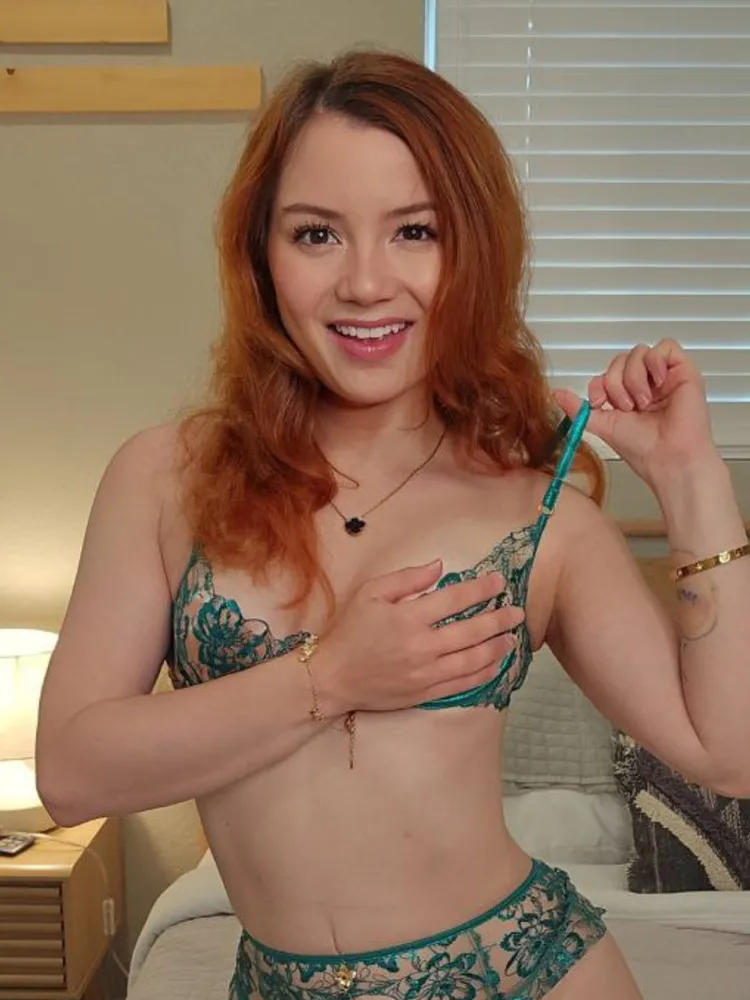
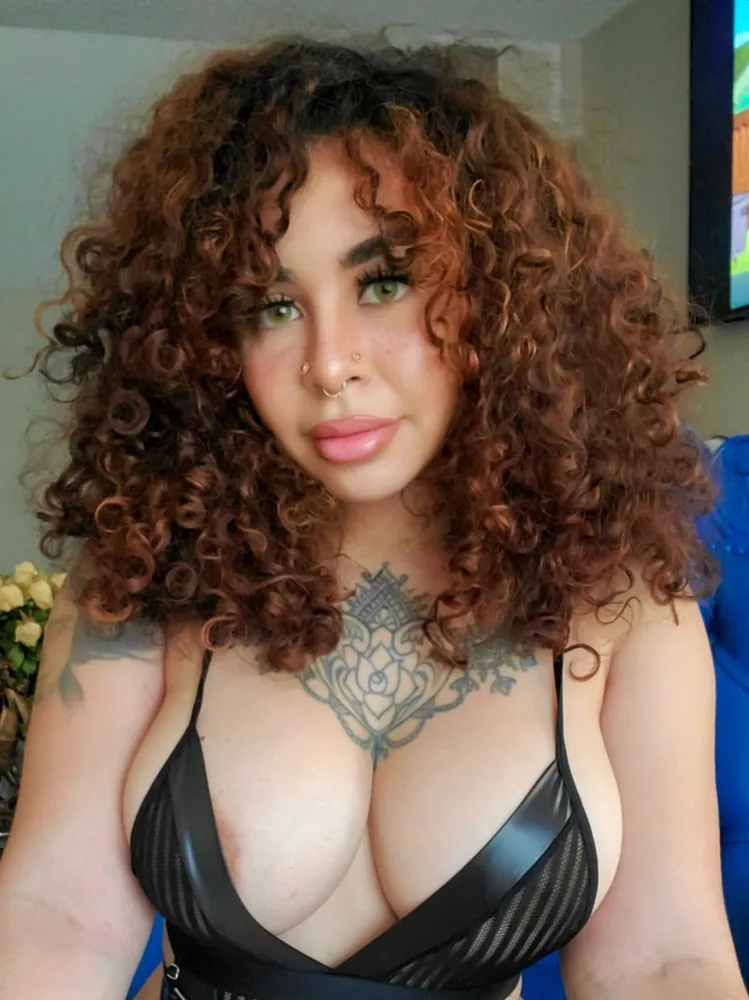
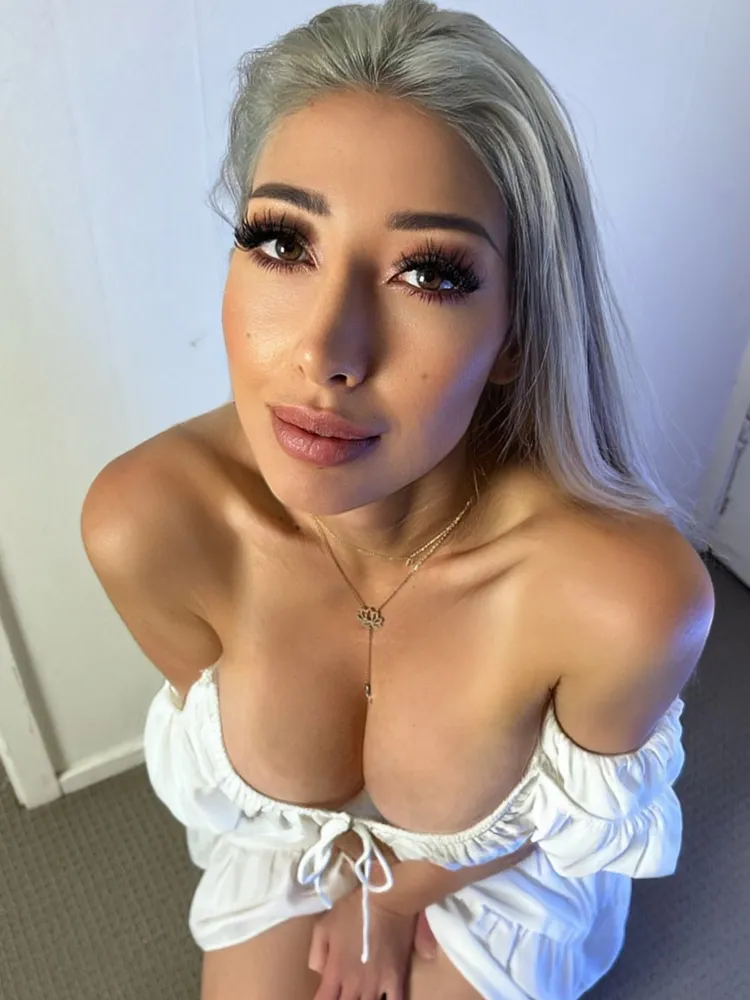

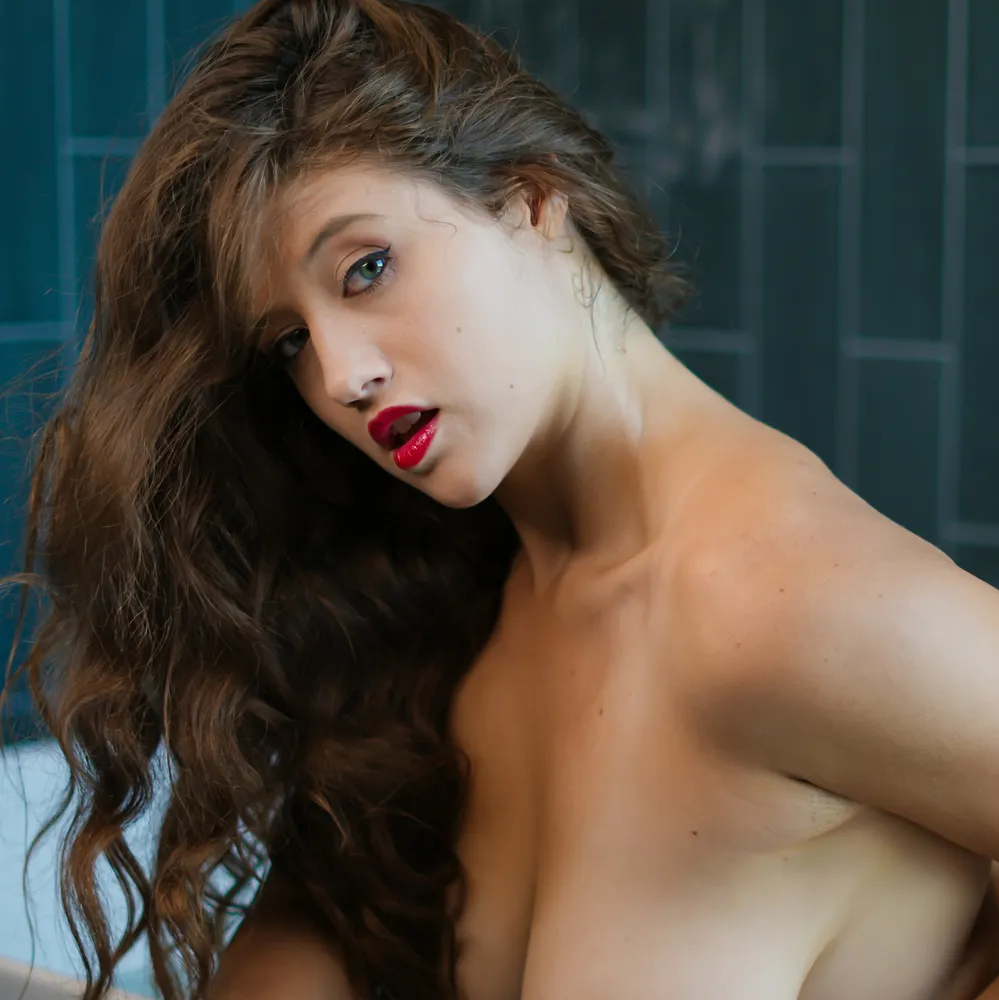





The streamer OnlyFans tag collects creators who spend part of their week live on camera somewhere else. Some are gamers and IRL streamers on Twitch or YouTube, some run cam shows, and some go live right on OnlyFans. The more than 25 creators in the grid above all bring that on-camera comfort to their pages. Here's how to tell them apart and choose well.
What Counts as a Streamer on OnlyFans
"Streamer" is a broad label. In this archive it covers creators whose bios say they stream, whether that's gaming on Twitch, vlogging on YouTube, performing on a cam site or hosting live shows for subscribers on OnlyFans itself. What they share is experience entertaining an audience in real time, which tends to show in how relaxed and chatty their pages feel.
We only describe a creator as streaming on a specific platform when her own bio says so. Some bios name Twitch or YouTube outright, others simply say "I stream every day" or mention a weekly live show, and a few just hint at life "off stream". Where a bio doesn't name the platform, neither do we.
Twitch, YouTube and Kick Creators
The classic Twitch streamer OnlyFans page belongs to someone who games or chats on a mainstream platform and keeps a separate, adults-only page for fans who want more. Mainstream streaming platforms have strict rules on nudity, so the OnlyFans page becomes the place for everything the stream can't show. Expect behind-the-scenes photos, bolder outfits, and the same personality you'd see in chat.
Cam Streamers and OnlyFans Live
Other creators here stream adult shows, either on a cam site or through OnlyFans' own live feature. For them, the OnlyFans page often works as a hub: recorded clips of past shows, previews of what's coming and a place to chat between streams. If live interaction is what you're after, these are the pages to watch.
IRL and Just Chatting Streamers
Not every streamer games. A lot of popular channels are IRL or "just chatting" streams, where the creator talks with viewers, cooks, travels or goes outdoors. Those creators often bring the same laid-back, conversational style to OnlyFans, with lifestyle photos mixed into the adult sets. If you like hanging out more than watching gameplay, look for bios that mention adventures, hobbies or daily vlogs.
Why Streamers Open OnlyFans Pages
Streaming is a grind. Hours on camera, unpredictable ad revenue and strict content rules push a lot of streamers toward a second income, and OnlyFans lets them earn directly from their most loyal fans. For viewers, it's a chance to see a creator you already like with the filters off.
Behind the Scenes of the Stream
Behind-the-scenes content is a favorite theme. Streamers post what happens before the camera goes live and after it goes off: outfit changes, setup tours, lingerie versions of their on-stream looks and candid moments that would never fit a gaming channel. It's the same person, just without the rules.
Same Personality, Fewer Rules
The best streamer pages keep the energy that built their following. If she's goofy and loud on stream, she's goofy and loud in DMs. If she's a calm, cozy streamer, her page feels cozy too. That continuity is what makes subscribing feel like getting closer to someone you already follow, rather than meeting a stranger.
When the Page Helps Fund the Stream
Some streamers say plainly that OnlyFans income pays for their setup. Better cameras, microphones and lighting cost money, and a few bios here ask fans to tip or buy from a wishlist to help them stream more. If you already watch someone, subscribing to her page can be one of the most direct ways to support the channel you enjoy.
How to Choose the Best Streamer OnlyFans Creators
A streamer's popularity on another platform doesn't guarantee a good OnlyFans page. Use these checks before you subscribe.
- Posting frequency: streamers are busy, so check that the page is updated regularly, not just when she remembers.
- Photos vs. videos: the grid shows both counts; some streamer pages are photo-heavy, others post hundreds of clips.
- What's on the wall: the bio should say whether nude content is on the feed or sold through DMs.
- Live schedule: if you want live shows, look for a stated day or frequency in the bio.
Verify the Streaming Claim Yourself
Plenty of pages call themselves streamers, and a few use the word loosely. If you're subscribing because you watch someone on Twitch or YouTube, check that the channel name in her bio matches the one you follow, and use the links on her official social profiles to get to her page. That's the surest way to avoid impersonators.
Live Shows vs. Recorded Content
Some streamer pages revolve around live sessions, with a set day each week. Others rarely go live on OnlyFans and treat the page as a library of photos and videos. Neither is better, but they suit different fans. If you can't make a live schedule, a page that posts recordings or regular clips will give you more value.
Match the Page to Your Viewing Habits
Think about how you actually use OnlyFans. If you check in once a week, a page with a big back catalog and weekly drops will serve you better than one built around daily live shows. If you're online most evenings, a creator with a fixed stream night gives you something to look forward to. And if you mostly want to chat, pick someone whose bio promises replies rather than one who only mentions content.
Free Streamer OnlyFans Pages
Only three free streamer pages are in the archive right now, and all three are in the spotlights below. Free pages cost nothing to follow; creators earn through locked posts, paid messages and tips. They're the best way to see whether a streamer's personality translates to OnlyFans before you commit.
Free Page Now, VIP Page Later
Many streamers run a free page for casual fans and a separate paid or VIP page for their most explicit content. The free page shows the personality and the posting rhythm; the VIP page is where full sets live. If you like what you see, the bio usually links the second account. The free OnlyFans trials list also has discounted months on some paid pages.
What Streamer Pages Usually Cost
Paid subscriptions in this tag range from about five dollars to twenty-five a month, with most around thirteen. That's in line with the rest of the archive. What changes the value is how much sits behind PPV and whether live shows are included in the subscription or sold separately.
Where the PPV Hides
Some streamers keep teasing content on the wall and send full nudity as pay-per-view messages; their bios usually say so. Others promise no PPV and put everything on the feed. If your budget is tight, the second kind is more predictable. If you love one-on-one attention, a PPV-heavy page with a responsive creator might be worth it.
Are Live Shows Included in the Subscription?
Usually, but not always. Many creators let every subscriber into their OnlyFans live streams and earn from tips during the show. Others run ticketed or VIP-only streams, or save their most explicit shows for a second page. The bio or pinned post normally explains how it works, so check before you subscribe mainly for live content.
Standout Streamer Creators to Follow
These creators come from the archive and span free, budget and premium pages. Every detail comes from their own bios and stats, and we only mention a streaming platform when her bio names it. Counts are rounded down because they grow daily.
Natalie Roush: YouTuber, Twitch Streamer and Mechanic
Natalie Roush describes herself as a YouTuber, a Twitch streamer and your hot mechanic, which makes her one of the clearest fits for this tag. Her page is free to follow, with weekly posts and casual PPVs, and her bio points to a separate VIP page for fans who want more on their feed. Since joining in 2020, she's posted over 1,500 photos and more than 90 videos. She's also tagged sexting and VIP.
Sara: A Free Page With a Twitch Channel
Sara lists her Twitch channel in her bio alongside Instagram, TikTok, Twitter, Reddit and Snapchat, so you can follow her stream and her page side by side. Her free, verified page invites you to tip a photo if you want to see a specific outfit, and she offers exclusive DM content through a menu. She's been on OnlyFans since 2020 with more than 500 photos and over 50 videos. She's also tagged Snapchat.
Kaystryder: Naughty Off Stream
Kaystryder invites you to find out how naughty she can be off stream, which says a lot about who her page is for. Her free, verified page promises daily content you won't find anywhere else, including nudes, cosplay and explicit solo and girl/girl videos, and her bio also mentions live streams. Since 2020 she's posted more than 480 photos and over 100 videos. She's also tagged cosplay and PAWG.
LivStixs: Twitch Streamer and Outdoorsy Redhead
LivStixs leads her bio with "Twitch streamer," then adds all-natural redhead, nature lover and fishing addict. Her page promises the naughty behind-the-scenes of her adventures, with lewds and nudes, girl/girl, boy/girl and solo content, spicy livestreams and customs on request. Her verified account started in 2019 and holds over 1,200 photos and more than 200 videos. She's tagged redhead, natural and solo, and the page costs $15 a month.
Zelda Sykes: Behind Her YouTube and Twitch
Zelda Sykes pitches her page as your chance to see what happens behind the scenes of her YouTube and Twitch channels. Her bio lists teasing photos and videos on the wall, with full nudity sent as PPV in DMs. The verified page dates to 2019 and has more than 900 photos and over 50 videos. She's also tagged PAWG and petite, and the page costs $14.99 a month. Budget for PPV if you want the full experience.
Desiree Luckey: Budget Page With Occasional Lives
Desiree Luckey runs one of the cheapest pages in the tag at $4.99 a month. Her bio promises all-nude posts, nude versions of trending TikTok videos, short naked clips, previews of videos she sells through her story and the occasional live stream. She also says she'd love to hear from you in her messages. Her verified page has been active since 2021 with more than 1,000 photos and over 80 videos. She's also tagged petite and nude.
jayde: Gamer Nudes and a Twitch Goal
jayde keeps her pitch short: subscribe for gamer girl nudes and message her for customs. Her bio explains that tips, DM-only PPV and gifts from her wishlist help her make better content and stream on Twitch, so supporting the page supports the stream. It's a smaller, newer-feeling catalog, with more than 100 photos and over 25 videos since 2020, for $10 a month. She's also tagged e-girl.
Kassie: Streams Every Day
Kassie says she streams every day and promises a free surprise when you subscribe. Her bio lists nudes on the wall, fully nude content, livestreams, solo, boy/girl and girl/girl scenes, and sexting when she's available. The verified page started in 2020 and has more than 1,000 photos and over 70 videos across roughly 1,000 posts. She's tagged nude and solo, and the page costs $14.99 a month.
Chloe: A Weekly Schedule You Can Plan Around
Chloe sells the girlfriend experience, and her bio lays out a weekly rhythm: a free rebill video on Wednesdays, a live stream on Thursdays and a brand-new video on Fridays. She says she messages everyone back, takes custom requests, posts daily and keeps the page completely uncensored. Since 2021 she's posted over 4,000 photos and more than 700 videos. She's tagged sexting and nude, and the page costs $14.99 a month.
Streamers Across Other Tags
Streamer pages overlap with plenty of other niches, and following those links is a good way to find more creators with the same energy. Gamers who care about the look should try e-girl pages built on gaming culture, while cosplay creators with con-ready outfits suit fans of character streams.
Streamers with big social followings often show up among influencer accounts from social media names. If you like the free-page-plus-VIP setup, browse VIP second pages with extra perks. For conversation, sexting-heavy pages for chat fans are a natural fit, and if the stream doesn't matter to you at all, fully nude pages with no stream required skip straight to the content.
Redheads, PAWGs and Other Crossovers
Look at the other tags on each streamer's profile and you'll see how varied this group is. The spotlights alone include a natural redhead, creators tagged PAWG and petite, a cosplayer and several sexting specialists. If a particular look matters to you, filter by that first and then check which of those creators also stream; it's a faster route than scrolling every page.
Getting the Most From Live Streams on OnlyFans
Live shows are one of the biggest perks of a streamer's page. They're interactive, often tip-driven, and you'll get a sense of the creator's personality you can't get from photos. A few habits make them more fun.
Plan Around the Schedule
Creators who stream regularly usually post their schedule in the bio or a pinned post. Turn on notifications so you know when she goes live, and check your time zone; a lot of streamers here work evenings. If you can't make it, look for creators who post recordings or highlights afterward.
Tipping Etiquette
Tips drive most live shows. Many creators set goals or menus, and a tip with a friendly message goes further than a demand in chat. Set a budget before the stream starts so you enjoy the show without regretting it later, and remember that the creator sets the pace and the limits.
Interacting in Live Chat
Live chat on OnlyFans works a lot like chat on a gaming stream. Say hi when you arrive, react to what's happening, and keep requests polite. Creators notice regulars, and the fans who make the stream more fun are the ones who get shout-outs and replies. Spamming the same request or arguing with other viewers is the fastest way to get muted.
Recordings, Highlights and Replays
Missed a show? Many streamers post clips or full recordings afterward, either on the wall or as PPV. Cam performers often share behind-the-scenes sneak peeks from their shows on their pages, and weekly schedulers sometimes pair a live night with a new video drop. If replays matter to you, check the feed for past-stream posts before subscribing; they're a good sign the page is built for fans in every time zone.
Respecting Streamers On and Off Their Pages
Subscribe only through official links, and never share, screenshot or repost what you see. Leak sites cut into creators' income and often carry malware. Tip and buy PPV if you want to support someone, especially streamers whose bios say page income helps fund their streams.
Keep the Stream and the Page Separate
This one matters more for streamers than any other tag. If you watch someone on Twitch or YouTube, don't bring her OnlyFans content into her stream chat or tag her main accounts with it. Mainstream platforms have strict rules, and fans who blur the line can get a streamer's channel in trouble. Enjoy each side where it belongs.
Streamer OnlyFans FAQ
Do Twitch Streamers Actually Run Their Own OnlyFans?
Some do and some don't, just like any creator. Smaller streamer pages are usually self-run, and several bios here promise personal replies. Larger accounts sometimes use assistants to handle messages. If you care about talking to the streamer herself, look for bios that say she answers every message, and confirm the page is linked from her official streaming or social profiles.
Who Is the Hottest Female Streamer Right Now?
That's personal taste, and there's no official ranking. Twitch and YouTube popularity shifts constantly, and OnlyFans doesn't publish subscriber counts. The better approach is to scroll the grid, compare styles and prices, and follow a free page or two. The streamers you already enjoy watching are usually the ones whose pages you'll enjoy most.
Which Famous Influencers Have OnlyFans Pages?
Plenty of creators with big social followings run OnlyFans pages, and many streamers use it as a second income. Rather than trusting rumor lists, check a creator's official social profiles for a link. In this archive, look for the influencer and streamer tags on a profile, and read the bio to see which platforms she names herself.
Is It Better to Subscribe Monthly or Buy PPV?
It depends on the page. If the bio says most content is on the wall, a monthly subscription is the better deal. If the wall is mostly previews, you'll end up buying PPV anyway, so budget for both. For streamer pages with live shows, the subscription usually gets you into the stream, while tips and PPV cover extras.
How Do I Find a Streamer Who Matches My Taste?
Start with what you already watch. If you follow gaming streams, look for bios that mention Twitch and gaming; if you prefer cam-style shows, look for creators who list a live schedule. Then check the other tags on each profile, like cosplay, redhead or PAWG, to narrow down the style you like before subscribing.
Can I Watch a Streamer's Live Show Without Subscribing?
Not on OnlyFans. Live streams there are only open to subscribers, and some creators limit them further to VIP pages or tip-to-enter shows. On a free page you can usually join the stream at no cost but will be expected to tip for goals. Mainstream streams on platforms like Twitch stay free to watch, but they follow those platforms' content rules.
Do Streamers Look the Same on OnlyFans as on Stream?
Mostly, yes, which is the whole appeal. The same face, hair and personality carry over, but the outfits get bolder and the setting often moves from the gaming desk to the bedroom. Some streamers recreate their on-stream looks in lingerie form, while others use the page to show a completely different side. Previews on a free page are the easiest way to see how she handles it.